Extension of participant module/reminder email
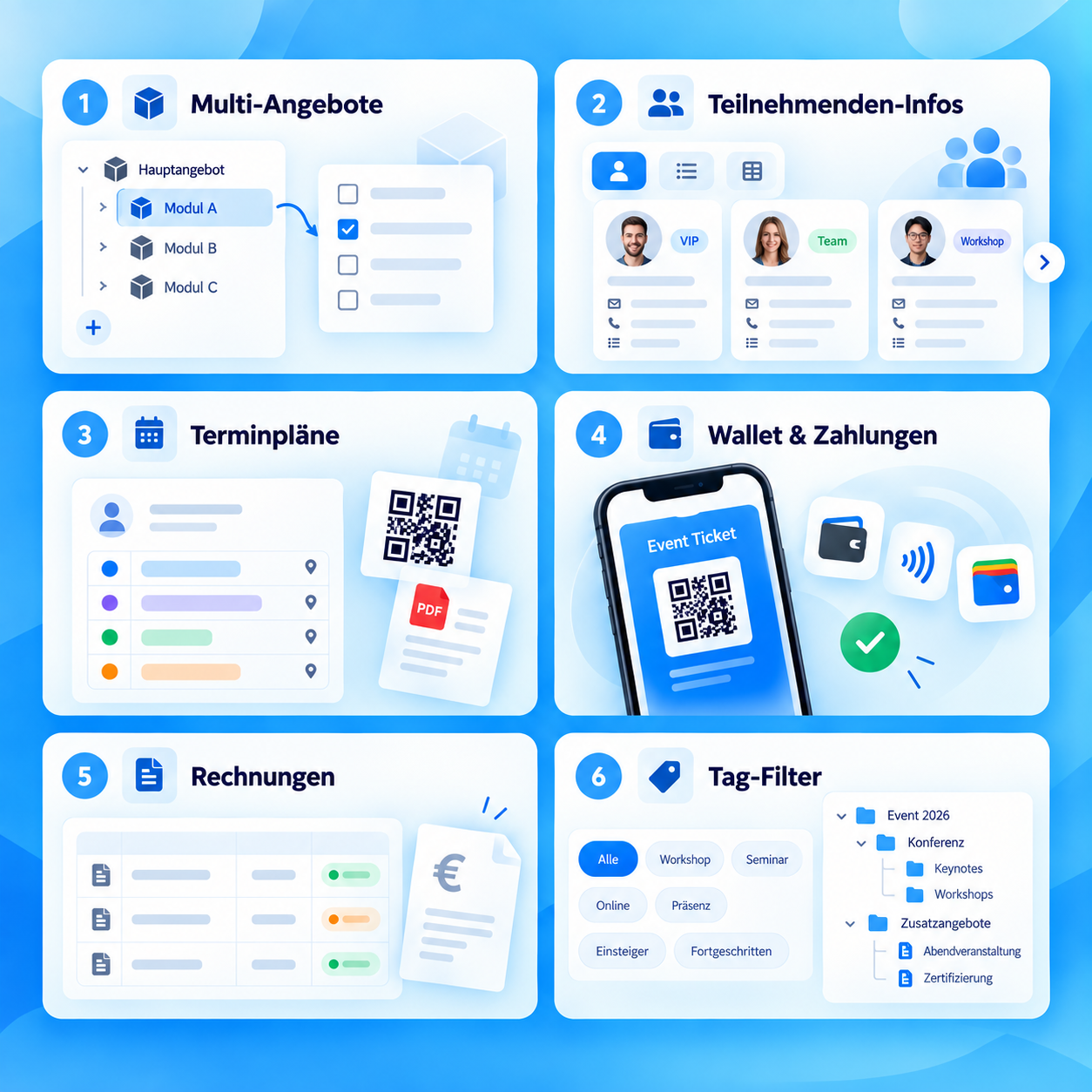
Multiple participants can be edited at the same time using the Participants tab.
All innovations compact at a glance
Short explanation, direct benefit and, if available, the link directly to the instructions.
-
Edit multiple participants in the offer at the same time
UpdateDifferent participants can be edited at the same time using the Participants tab. Select the participants in the first column.
Using the functions List > Edit > Participant data fields, a participant field can be selected and changed for all marked participants. -
Reminder email also for latecomers
UpdateIf you have activated the automatic reminder email, latecomers will also receive a reminder email with the offer-specific information after the offer start date. -
Sending tasks to latecomers
UpdateIf you select all participants when creating tasks, then you have the option of also having latecomers receive an email notification after the task has been executed.Attendance list per lesson when selecting lesson booking / free lesson selection
If you have activated the booking / free lesson selection in your offer, you can select the individual lesson via the calendar (accessed via the blue navigation, third symbol from the links) and create an attendance list for this lesson only. The other lessons will not be shown in this view.
-
New data field type – Date
UpdateIn the global settings, a data field can be redefined as a date. The entered date is saved in the format YYYY-MM-DD. Values that do not correspond to this format are ignored or overwritten.The new data field, like the other data fields, can be linked as a form field in the design manager. When entering data, a minimum and a maximum date must be specified. When booking participants, the date entered is checked.
This function requires HTML5.