Release February 2026
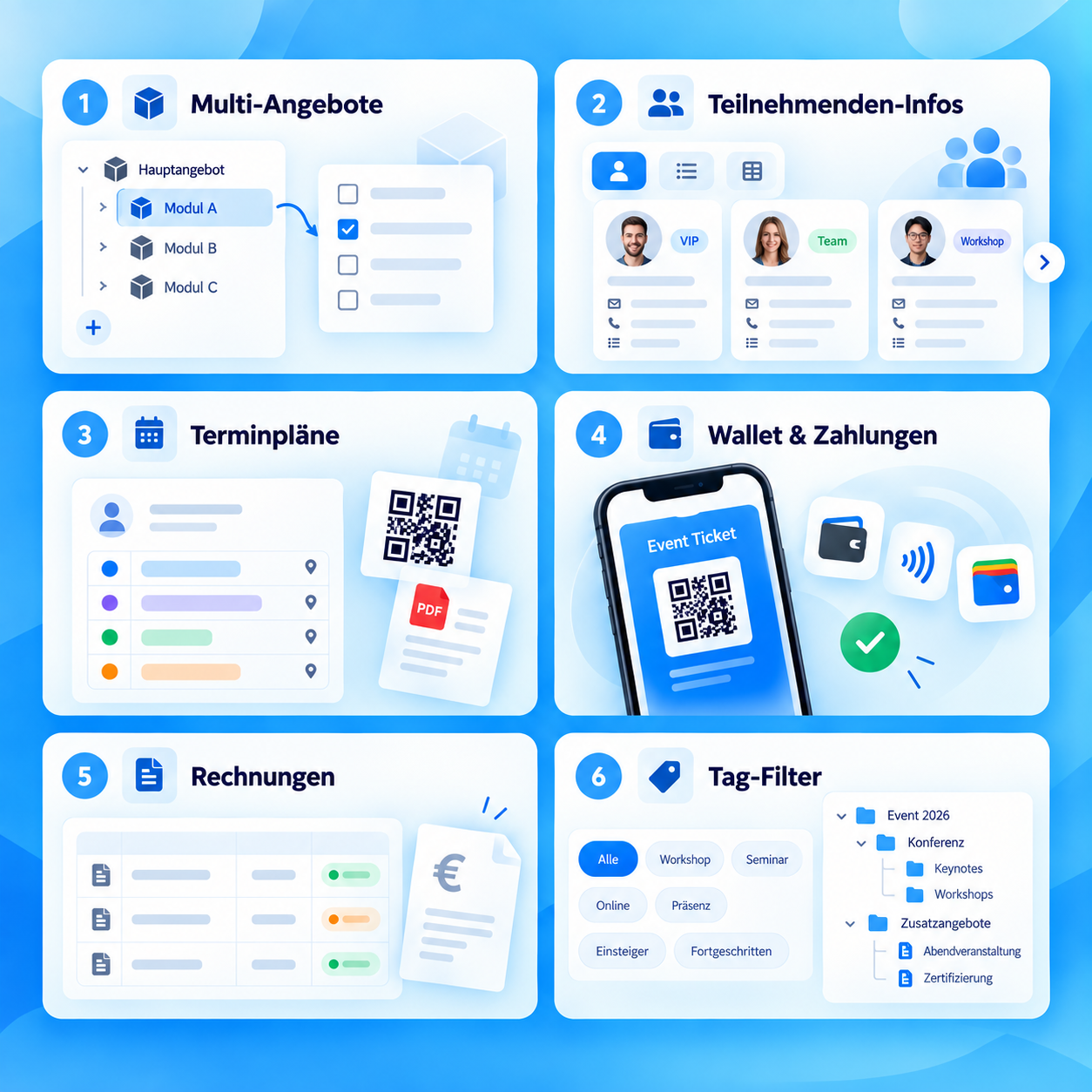
The February release expands quote control, document sharing, map widget, SSO and SAML validation, and improves invoice tables, exports and 2FA.
Release points 11
status
Release live
New features
- Set registration start time for offers New
- Scheduled document release Feature
- Map widget for location navigation Feature
Release overview
All innovations compact at a glance
Short explanation, direct benefit and, if available, the link directly to the instructions.
-
Set registration start time for offers
New featureWhen creating an offer, you can specify when it should be visible and bookable. Visibility and bookability can be scheduled independently of each other. For instructionsFor instructions -
Scheduled document release
New featureExternal documents can be released automatically at defined times: 14, 7 or 3 days before the course starts, on the course start day or after attendance has been checked. For instructionsFor instructions -
Map widget for location navigation
New featureA new widget shows active offers as markers on an interactive map and supports filter functions. For instructionsFor instructions -
SSO with Google Workspace
New featureSingle sign-on via SAML is available for Google Workspace for Business and Education. The setup is documented and accessible in the admin area. For instructionsFor instructions -
JSON validation in the SAML editor
New featureIncorrect JSON inputs are detected when saving. Users receive direct feedback in the event of input errors. For instructionsFor instructions -
Invoice table expanded
UpdateThe invoice overview contains new columns for the paid amount, open balance including percentage display and offer start date. All columns can be filtered, shown and hidden; a filter for the due date is added. For instructionsFor instructions -
Fixed Excel export for invoices
UpdateDate columns are now fully and correctly output again in the Excel export of the invoice table. For instructionsFor instructions -
Customer import shows all relevant data fields
UpdateDuring import, all relevant data fields are displayed correctly in the dropdown and can be assigned even after a mapping reset. For instructionsFor instructions -
Waitlist email templates reliably adopted
UpdateCustomizations to waitlist email templates are saved and applied correctly. For instructionsFor instructions -
Attendance list shows modules completely
UpdateThe display of booked modules with free module bookings is complete again and corresponds to the usual standard. For instructionsFor instructions -
2FA in the mobile app works again
UpdateTwo-factor authentication in the mobile app is working properly again. For instructionsFor instructions