Release Notes May 2026
New filters, a calendar view, flexible cancellation rules, Mobile App updates and clearer processes for payments, emails, support access and exports.
Release points 20
status
Release live
New features
- Advanced tag filters Update
- Calendar view for free choice of dates Feature
- Mobile App with Watch support Feature
Release overview
All innovations compact at a glance
-
Add widgets in the Design Manager only once
New featureIn the Design Manager, certain widgets can now be added only once per design. This supports consistent page structures and prevents duplicate elements. -
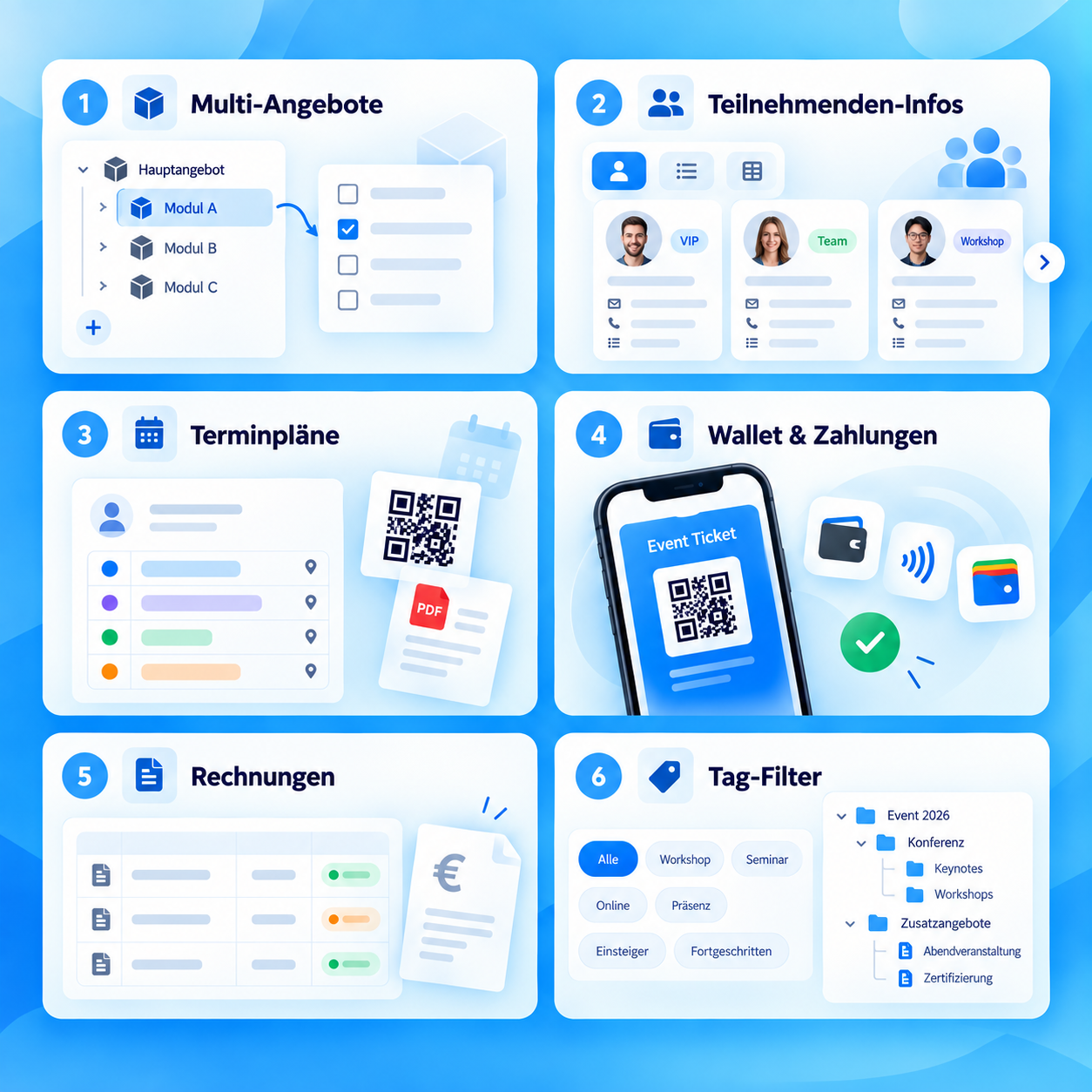
Filter widget with multiple tag filters
New featureThe filter widget can now display multiple tag filters with their own names, icons and tag selections. This makes it easier to filter offers by target group, topic, level or offer type. -
Configure tag filters in the Offers Filter
New featureThe screenshot shows how multiple tag filters with their own names, icons and tag selections are configured in the Offers Filter. -
Calendar view for free choice of dates
New featureA calendar view is available for offers with free choice of dates. Available dates are shown by month, and selected dates remain clearly visible. -
Mobile App supports Apple Watch and Wear OS
New featureThe Mobile App once again supports Apple Watch and Wear OS. Appointments can be displayed on the watch and statuses set there directly. -
Duplicate search for participants
New featureThe duplicate search helps centrally review potential duplicate participants, merge them, or ignore them permanently. -
Manage cancellation conditions more flexibly
New featureCancellation conditions can be managed more flexibly, including groups, rules, the right of withdrawal, fees and traceable booking snapshots. -
Customer search supports partial matches
UpdateThe customer overview now also supports partial matches when searching for «Company / organization». This makes customer accounts quicker and easier to find. -
Participant numbers displayed more reliably in the dashboard
UpdateParticipant numbers in the dashboard are displayed more reliably, making the utilization of active bookings easier to track. -
Design Manager improved for adding and sorting
UpdateThe Design Manager has been improved for adding and sorting widgets. Elements remain stable in the desired order, and the view is easier to use on smaller screens. -
Payment status on invoices made clearer
UpdateInvoices show the payment status more clearly. Outstanding invoices remain blank under «Paid on», while partial and fully paid invoices are easier to distinguish. -
Manage admin sessions more precisely
UpdateMultiple admin sessions can be managed more precisely. Individual sessions can be ended, or all linked accounts can be signed out at the same time. -
Control automatic archiving more flexibly
UpdateAutomatic archiving of offers can now optionally be based on the display end date or the start date. Existing settings remain unchanged. -
Use tags from connected accounts in the offer filter
UpdateTags from connected accounts can be used more selectively in the offer filter. This also makes it easier to structure offers across partners. -
Legal text management extended for voucher sales
UpdateLegal text management has been extended to voucher sales. Required texts can be added there and used as mandatory fields. -
Billing address options expanded in the booking process
UpdateThe billing address in the booking process offers more options for B2B, B2C and Reverse Charge. Providers can more precisely control which details are requested and validated. -
Clearer notices for email integrations
UpdateAdmins receive clearer notices when an email integration needs to be checked or reconnected. Until it is resolved, sending can continue via the edoobox no-reply address. -
Background processing made more reliable
UpdateAutomatic emails, attendance confirmations, certificates and larger exports are processed more reliably in the background. -
More direct certificate links for internal offers
UpdateCertificate links for internal offers lead more directly to the relevant certificate view. -
Current PayPal payment method in the booking route
UpdateThe booking route uses the current PayPal payment method when PayPal is enabled in the account. -
Control edSupport access
UpdateAccess by edSupport can be scheduled or blocked completely in the settings. This keeps support access transparent and under control.