Release October 2025
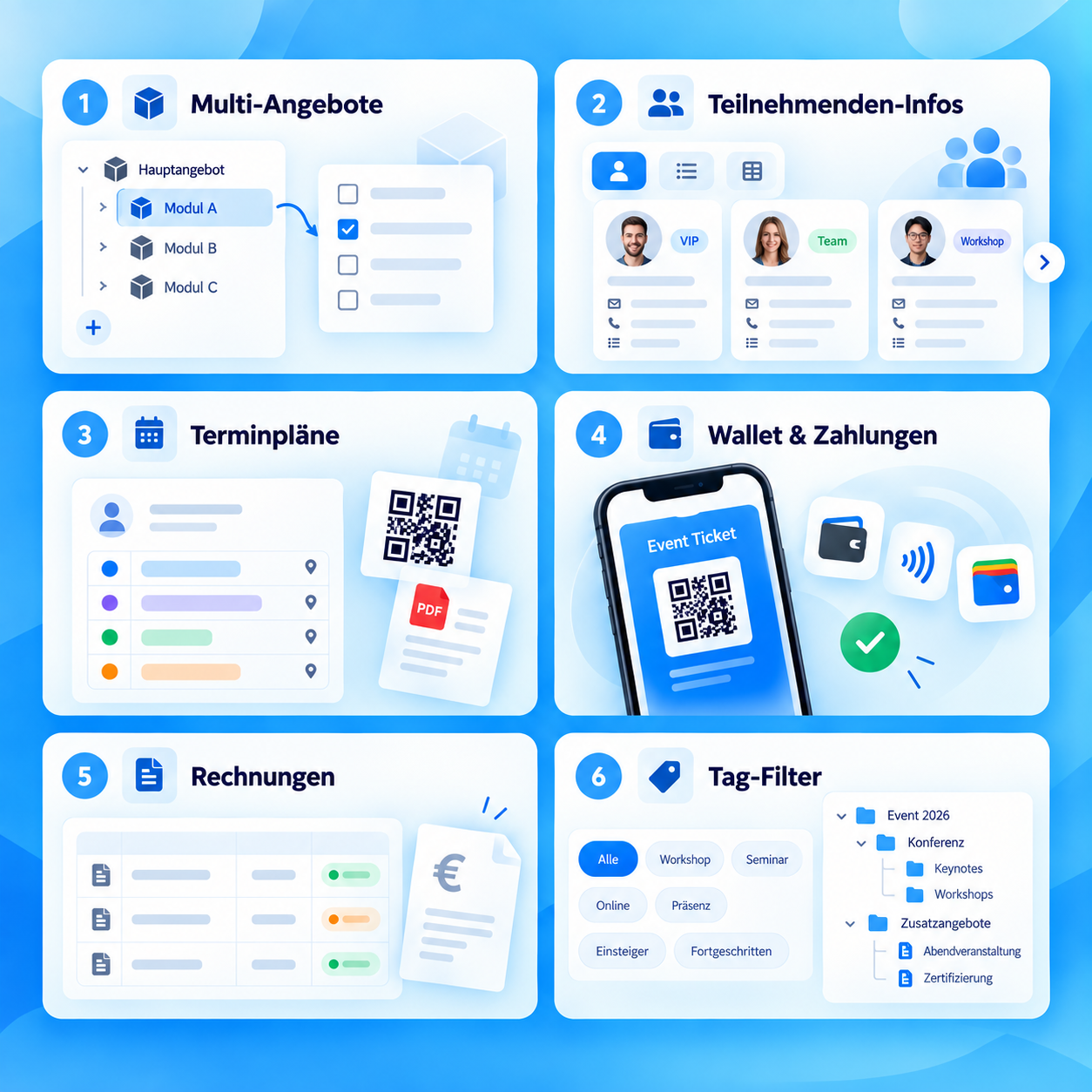
The October release optimizes booking and email processes, payment data, appointments, lock screens and brings collection PDFs and Magic User Login.
Release points 18
status
Release live
New features
- Generate certificates as a collective PDF New
- Additional texts for sub-offers on certificates Feature
- Magic user login via email code Feature
Release overview
All innovations compact at a glance
Short explanation, direct benefit and, if available, the link directly to the instructions.
-
Generate certificates as a collective PDF
New featureCertificates can be created and downloaded as a collective PDF for several participants. -
Additional texts for sub-offers on certificates
New featureAdditional texts are available for sub-offers and appear correctly on certificates. -
Magic user login via email code
New featureMagic User Login enables a simplified login flow via email code and prevents duplicates. For instructionsFor instructions -
Waitlist and booking dashboard filter active bookings more cleanly
UpdateFilters only show actually active bookings and accepted request list bookings. For instructionsFor instructions -
Capture payment data more completely worldwide
UpdateWorldline/Saferpay can only be activated with a complete data set. -
Appointments with separate start and end times
UpdateAppointments can be recorded with separate fields for start and end times. New appointments have a default duration of one hour system-wide. -
AI translations with beta hint
UpdateAI translations now show a clear indication of beta status. -
Email settings grouped more clearly
UpdateEmail settings have been restructured and system templates are organized by topic. For instructionsFor instructions -
Tables and filter logic further improved
UpdateTable functions and filter logic have been further optimized. -
Magic Login added to the widget
UpdateMagic Login is available as a new widget option. Logging into the Design Manager automatically sets appropriate standard configurations. For instructionsFor instructions -
Updated All Bookings widget to Bootstrap 5
UpdateThe All Bookings widget has been updated to Bootstrap 5. For instructionsFor instructions -
Lock screen for blocked subscriptions
UpdateSubscriptions with locked status now show their own lock screen including a reactivation option. For instructionsFor instructions -
Group and collective bookings without participant data activated
UpdateGroup and collective bookings without participant data have been activated system-wide.
Stability
Bug fixes and technical improvements
Collected at the end so that it remains immediately visible which problems have been fixed and which corners have been smoothed out.
- Price field for additional services reloads correctly When switching between different additional services, the price field is updated correctly.
- Registration deadline is validated by visibility date Validation ensures that the registration deadline is after the visibility date.
- Remove tables in attendance lists without source code Tables in attendance lists can be removed again without editing the source text.
- Time entries for lessons work reliably Times can be reliably entered again in lessons, even as text input.
- Recurring email tasks only for active tasks Recurring email tasks are only offered if such tasks are active on the offer.