Release September 2025
New admin avatars, QR codes, offer documents, AI assistance and PDF security as well as updates to editor, tables and email delivery.
Release points 19
status
Release live
New features
- Manage admin avatars and signatures New
- Maintain reverse charge text per language Feature
- View and download QR code per offer Feature
Release overview
Updates, new features and bug fixes
The content is grouped by updates, new features and bug fixes from the original release notes.
-
Manage admin avatars and signatures
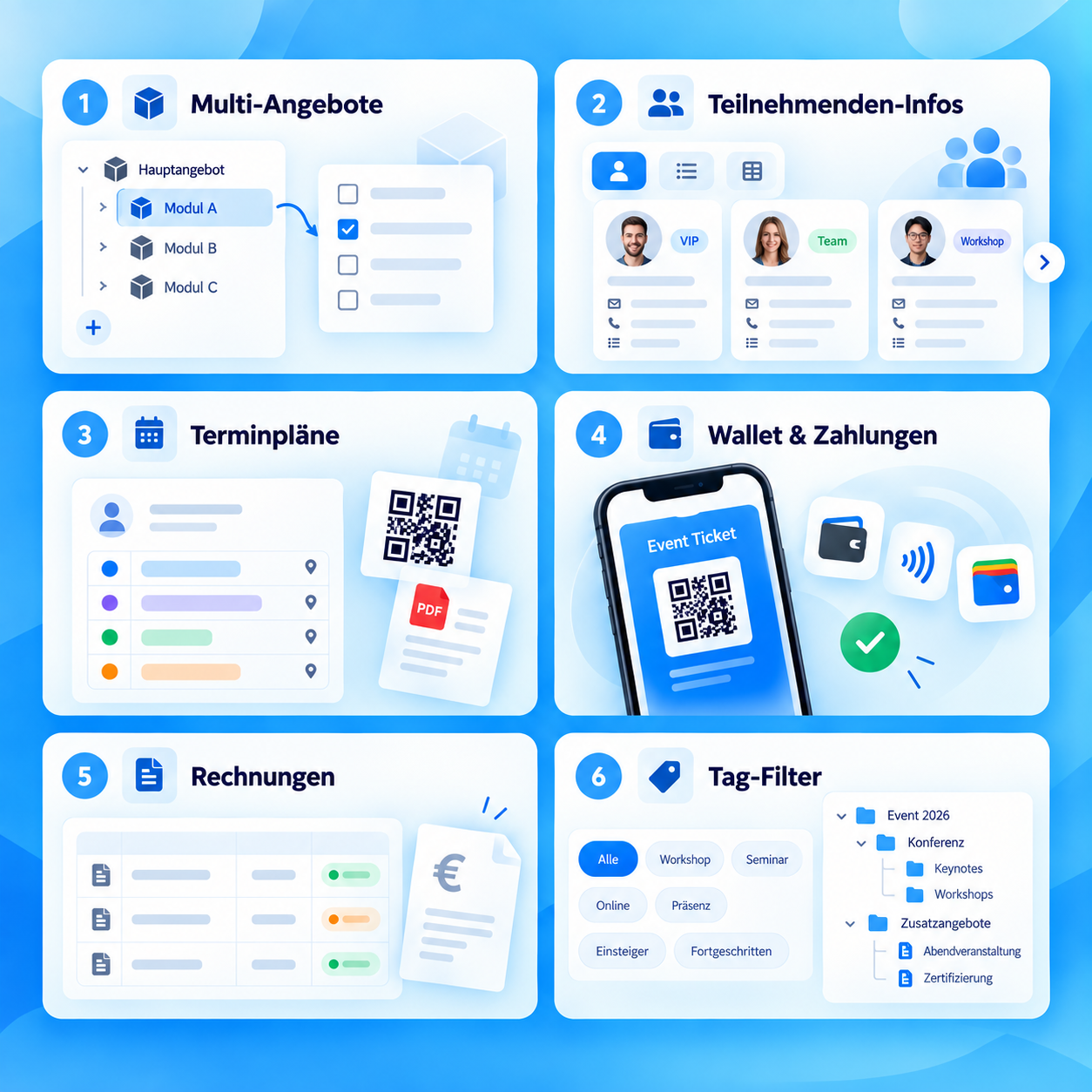
New featureAdministrators receive an upload field and can remove avatar and signature files again. Avatars can be used in emails, PDFs and via the “Avatar Line” column in offer and lesson widgets. -
Maintain reverse charge text per language
New featureA separate reverse charge text can be stored for active languages. If a text is missing, the edoobox standard automatically applies. -
View and download QR code per offer
New featureA QR code is available in the offer preview, which can be downloaded as an image. This supports check-in scenarios and internal processes. -
Manage public offering documents directly
New featureFiles can be uploaded and managed on the course details page. Optionally, these documents are also displayed in the participant account. -
Activate file list in the participant account
New featureIn the booking widget you can use a checkbox to control whether a file list is available in the participant account. -
Schedule the visibility of offers on a time-controlled basis
New featureThe “visible from” field activates the list display of an offer at a defined time. Validation ensures that visibility is at least 24 hours before the registration deadline. -
Select booking type for collective participants
New featureIn the participant frontend you can specify whether collective participants are recorded with individual names or just by number. -
AI assistant for texts and translations
New featureThe AI assistant can generate, optimize and translate texts into all active languages. There is a confirmation before overwriting existing translations and a notification after completion; the feature is available as beta. -
Reduce open participation in capacity planning
New featureUnassigned places can be reduced. The function will be rolled out gradually. -
Set PDF security more flexibly
New featureEncryption can be deactivated or a password can be assigned for generated PDFs. -
Editor works more consistently with email templates
UpdateThe OS context menu has been standardized, changes are saved more reliably when closed and the preview for email templates has been improved. The attribute is also in source code modedata-bs-slidepermitted. -
Tables and filters have been standardized
UpdateFurther adjustments ensure more consistent operation and more performant use of tables and filters. -
Email sending monitoring evaluates volume more fairly
UpdateSmall shipping volumes are classified better. Dynamic thresholds and quota controls control warnings and bans more comprehensibly.
Stability
Bug fixes and technical improvements
Collected at the end so that it remains immediately visible which problems have been fixed and which corners have been smoothed out.
- The term “placeholder” is displayed consistently “Placeholders” are consistently used instead of “placeholders” in PDFs and tables.
- Design Manager reminds you of unsaved blocks of text When closing text blocks via a popup, a save suggestion appears again if changes have not yet been saved.
- Certificate button only active if certificate is available The button is only active for each participant if a certificate is actually available.
- Invoice table shows customers correctly again In the table view of the invoices, the “Customer” column is reliably filled again.
- Participant registration saves all activated fields Activated fields, including date of birth, are reliably saved.
- Design Manager field names follow the backend language In the “Link form field” drop-down, field names appear again in the language of the backend.