
OpenGraph and social media previews in WordPress
OpenGraph meta tags are placed in a web page’s head and supply a title, description, image and destination URL when sharing. The edoobox WordPress plugin can write these details for an embedded edoobox page directly into the WordPress page’s <head>.
The page whose URL is shared is always decisive. A booking process loaded in an iFrame does not automatically change the parent website’s meta tags.
Details generated by the WordPress plugin
On the publicly opened WordPress page, the plugin generates OpenGraph details for description, language, page title, type, URL and image, if available. The URL is the WordPress page currently being viewed. The language comes from the edoobox embed.
The reviewed plugin code also generates twitter:card with summary_large_image, twitter:title and twitter:description. It does not generate its own twitter:image entry. Check the actual preview on the target platform; these tags alone do not guarantee a particular appearance.
Sources of the title, description and image
| Entry | First choice | Fallback |
|---|---|---|
| Title | Title from the head data supplied by edoobox. | WordPress page title. |
| Description | Short description from the edoobox head data. | WordPress page excerpt. |
| Image | edoobox image in the designated size. | WordPress featured image, followed by the plugin’s fallback image. |
| URL | WordPress page currently being viewed. | WordPress page permalink. |
First provide a clear offer title, a short, clear introduction and an informative offer image. The full description is not automatically identical to the short description used in the social media preview.
When the plugin tags are generated
Tags are inserted into the WordPress head for public guest visits if the plugin setting that prevents SEO output is disabled and the page contains an edoobox shortcode or the corresponding edoobox call. They are deliberately not generated in the WordPress editor’s editing context. Check the page while signed out or in a private browser window.
The plugin may cache head data loaded from edoobox. After a change, WordPress, hosting, CDN and social media caches may also be involved. An unchanged preview does not automatically mean the offer data was saved incorrectly.
Avoid duplicate tags from SEO plugins
SEO plugins such as Yoast, Rank Math or other themes may also generate OpenGraph tags. If the source contains several versions of og:title, og:description or og:image, the target platform may choose differently than expected.
Choose one reliable source: review the HTML source with the person responsible for the website. Configure WordPress and the SEO plugin so each property retains one consistent version. Which source to disable or adjust depends on your WordPress configuration.
Check canonical URLs on dynamic offer details pages
A canonical link appears in the HTML head as <link rel="canonical" href="…">. It differs from og:url, the visible page title, a WordPress permalink and the direct edoobox booking link. edoobox’s OpenGraph output does not add its own canonical link; this is the responsibility of your WordPress/SEO configuration.
- Open the final public WordPress offer details page as a guest and copy its actual URL.
- In the delivered HTML head, check all
rel="canonical"entries,og:url,<title>and the normal meta description. - Open a second offer and the category overview. Compare whether the canonical destinations match the intended website structure.
- Check every language version in use, redirects and the root/details page configuration.
- If multiple sources generate canonical links or every details page unintentionally points only to the overview, clarify responsibility with the website owner. Correct the WordPress/SEO configuration generating them and check again after clearing the cache.
Example: https://example.org/kurse/grundlagen/ and https://example.org/kurse/vertiefung/ are deliberately separate content pages. Check their intended canonical destinations separately. A personal access link, active booking session or arbitrary tracking parameter is not an editorially defined canonical destination.
The SEO Priority setting controls the edoobox head output. It is not a separate canonical setting and does not replace this check. Cleaning up the output does not promise any particular search engine ranking.
Configure JSON-LD, the meta description and OpenGraph separately
| Output | Content and responsibility |
|---|---|
<title> and normal meta description | The website’s page title and search engine description. The edoobox plugin can affect the WordPress document title through loaded head data; check the final output with your SEO plugin. |
og:title and og:description | Social media preview. The edoobox settings Prevent Social Media SEO and SEO Priority affect this plugin head output. |
application/ld+json | Structured data from the rendered offer widget, such as event name, date, location and description. A custom SEO meta description does not automatically override these data. |
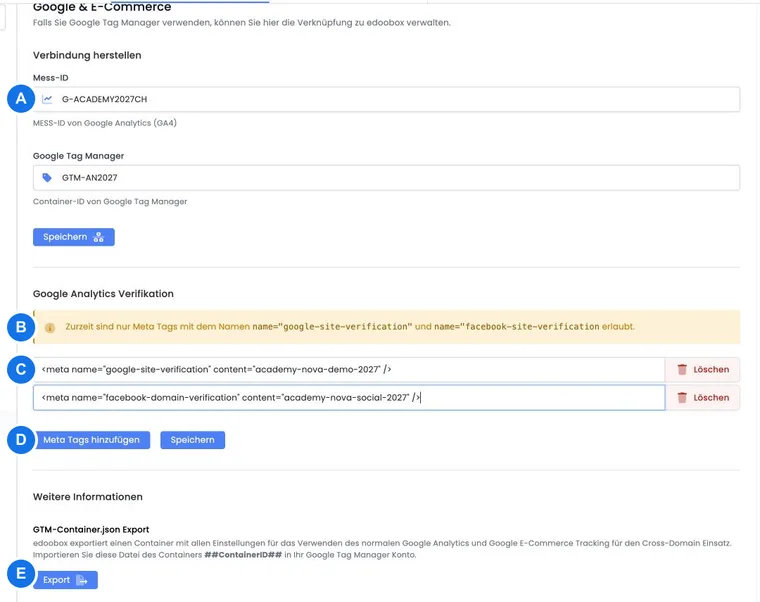
If your SEO plugin should supply the social media preview, enable Prevent Social Media SEO in the edoobox plugin settings and check the source again. If edoobox should supply it, check SEO Priority and any tags added later. Higher priority does not import another system’s SEO description into edoobox.
The social media switch does not disable all title or JSON-LD output. There is no separate switch to take only the description from a particular SEO plugin and combine all other event fields. Manage the offer text for event data and the website description in their respective places. Check the structured data actually delivered and any competing schema output from your theme or SEO plugin.
When combining with an SEO plugin, compare at least the title, normal meta description, OpenGraph description and complete JSON-LD on a details page. Repeat the check after saving and clearing the relevant caches and on a second offer. A suitable-looking link preview does not confirm correct structured event data.
iFrame or website without the WordPress plugin
With a normal iFrame embed, social networks read the parent website’s metadata. Manage the page title, description, image and canonical URL there using your CMS or SEO tool. Metadata inside the iFrame does not replace the host page’s details.
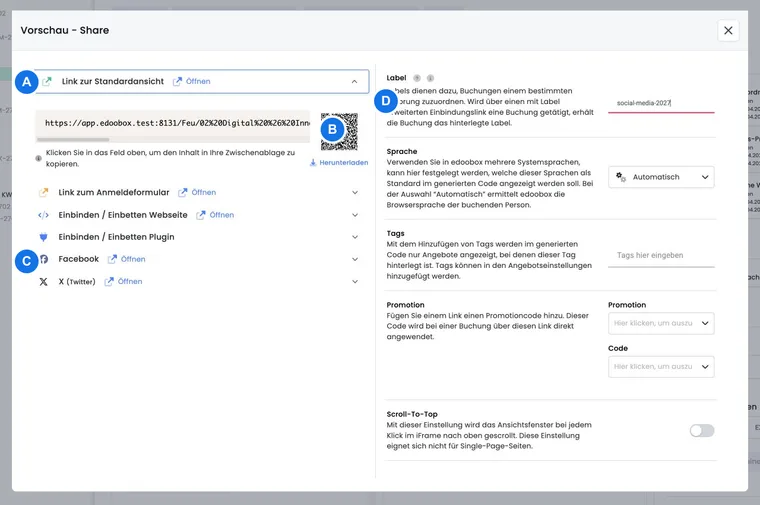
If you distribute a direct edoobox share link, test that exact link. A WordPress page preview and a direct edoobox link preview may have different titles, images and URLs.
Check previews systematically
Open the final public URL while signed out and check the visible title, introduction and image.
Check the HTML source to ensure each important OpenGraph property is present and has no conflicting duplicates.
Open the image URL directly. It must be publicly accessible and show the expected subject.
After changes, clear the plugin or website cache first, then the target platform’s cache if needed.
Test the exact intended URL in an internal post or chat before publishing a campaign.
Example: share an offer page using the WordPress plugin
An academy embeds a seminar using the edoobox WordPress plugin. The plugin takes the title, short description and image from the edoobox head data. The website manager checks the source in a private window before sharing the WordPress URL on LinkedIn.
Example: an SEO plugin generates a second preview
The source contains two different og:image tags: one from the edoobox plugin and one from the SEO plugin. The team decides which image the page should use, removes the duplicate output and checks the preview again after clearing the caches.
Example: edoobox as an iFrame in another CMS
An organisation uses an iFrame instead of the WordPress plugin. It manages the title, short description and featured image in its own CMS because sharing reads the host page. The direct edoobox share link is tested separately and kept distinct from the website URL.
Check the shared destination when using multiple edoobox sections
WordPress head data are generated for the page being viewed. Plugin detection uses the page’s registered edoobox shortcode. With several embedded sections, do not assume every visible section receives its own head data. Open and share the specific offer URL required and check its HTML head.
The three designated image sizes are alternative images of the same subject. They differ from conflicting head data generated by another SEO plugin. Assess the final delivered page after all plugins have contributed their output.
Distinguish social preview images from REST offer images
The WordPress image sizes described here come from the template head data read by the plugin. Newer direct edoobox offer previews may also use specially generated social images at 1200 × 630 and 1200 × 1200, if those versions exist. The social crops are prepared for previews and are not unchanged originals.
A REST request for offer has a different image section, particularly image.url and image.url300. Use the returned values instead of guessing image sizes from OpenGraph output or appended filename suffixes. The guide Image URLs and original proportions on an API website explains this limitation.
Related guides
Check SEO output and priority
The plugin has settings to prevent edoobox SEO output and control head output priority. In the section it processes, it removes existing OpenGraph details before adding its own tags. Another theme or SEO plugin may add tags again later. Check the final delivered page and adjust your website’s responsibilities and priorities.
The image sizes 300 × 200, 600 × 400 and 900 × 600 are intentional variants. They are not automatically an error caused by duplicate competing images.