
Strong Customer Authentication (SCA)
Strong Customer Authentication, or SCA, protects electronic payments through two or more independent elements from at least two different categories: knowledge, possession, and inherence. Examples include a password, a registered device, and a biometric characteristic. A single factor does not meet the definition.
The European Banking Authority EBA describes these factors and their independence. The payment provider and bank, rather than edoobox, decide which checks a specific payment requires.
Responsibilities of edoobox, the provider, and the bank
| Party | Task |
|---|---|
| edoobox | Starts the provider’s payment process, keeps the booking reference and amount linked, and processes the return and provider status. |
| Payment provider | Creates the payment order, reports an additional action or result, and provides the technical authentication process. |
| Bank / card issuer | Decides on the specific authorization, exemption, or rejection and authenticates the payer. |
Stripe: requires_action and PaymentIntent
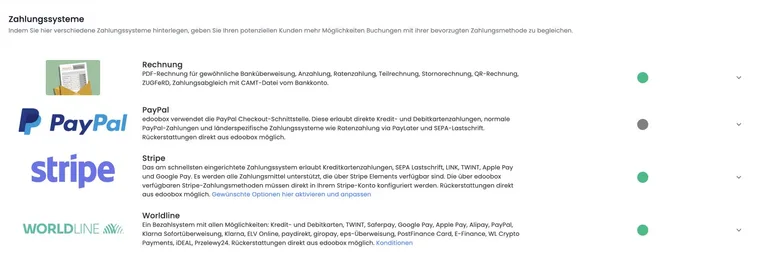
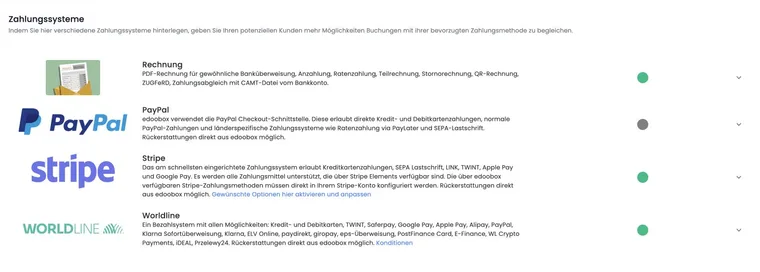
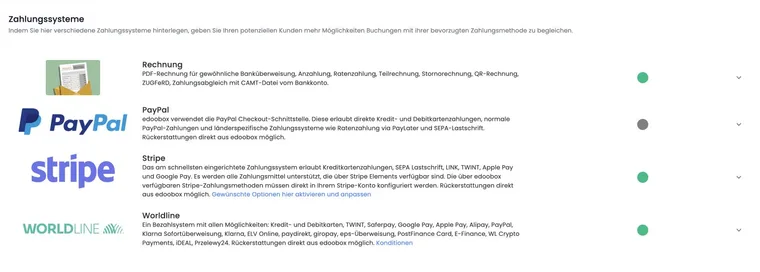
The edoobox Stripe integration uses PaymentIntents. If Stripe reports requires_action, the payer must complete an additional action such as 3-D-Secure. The PaymentIntent is then evaluated again. Only succeeded proves successful payment.
The official Stripe PaymentIntent lifecycle explains that requires_action is used for 3-D-Secure, among other purposes.
PayPal: PAYER_ACTION_REQUIRED
A PayPal order may report PAYER_ACTION_REQUIRED. The current edoobox integration then looks up the PayPal approval URL and redirects the payer for renewed approval. On their return, the order is captured or checked again.
The same principle applies here: a redirect or return does not yet mean success. Check the PayPal order for COMPLETED and check the edoobox transaction.
Cancellation, timeout, and repeated attempts
If the person closes the bank authorization, provider tab, or browser window, the payment may remain incomplete.
Do not judge a repeated attempt to be a duplicate payment simply because there were two return redirects; compare provider and transaction IDs.
With MustPay, the countdown may end while authentication is still pending. Check the payment and booking together.
Send access details or a final participation confirmation only when the status meets the requirements defined for your process.
Analyze errors systematically
Note the booking number, time, amount, currency, and selected payment method.
Check the edoobox transaction and its provider ID.
In the provider portal, check whether an additional action, success, failure, or cancellation was reported.
Check the booking status, MustPay, and email outbox.
Give provider support only the designated transaction references, never card details.
SCA test matrix
Payment without an additional action.
Successful 3-D-Secure or bank authorization.
Deliberate cancellation during authentication.
Rejection by the bank or provider.
Another payment attempt after cancellation.
MustPay countdown during pending authentication.
Use case: Stripe requires 3-D-Secure
The PaymentIntent changes to requires_action. The participant confirms with their bank and returns. The admin then checks succeeded, the edoobox transaction, and the booking confirmation.
Use case: PayPal requires renewed approval
The PayPal order reports PAYER_ACTION_REQUIRED. The person is redirected back for approval. Payment is treated as successful only after COMPLETED.
Use case: Authentication is cancelled
A person closes the bank dialog. The team checks the provider status and booking and requests another payment attempt if necessary. It does not send a definitive payment confirmation solely because a booking has been created.
Saved card and automatic payments
A saved card does not guarantee that every later charge will succeed without user interaction. For automatic charges, the bank may require authentication again or decline the payment. If an error occurs, first check the actual payment status and outstanding invoice; an automatic attempt alone is not proof of payment.
For automatic charges for edoobox account costs, Automatic payment with a saved credit card describes setup, default and backup cards, and error handling. This is a separate process from paying for a participant booking.
Interpret Stripe statuses correctly
| Status | Meaning for your checks |
|---|---|
requires_action | The payer must complete another action, such as bank authorization. |
requires_payment_method | The payment requires a suitable payment method or a newly confirmed attempt. |
processing | Processing is still underway. Wait for the final result. |
succeeded | The payment process has completed successfully. Also check its assignment in edoobox. |
Stripe describes these states in Payment status updates. After refunds or subsequent disputes, also check the transaction and its history.