
Big Screen / Info Screen
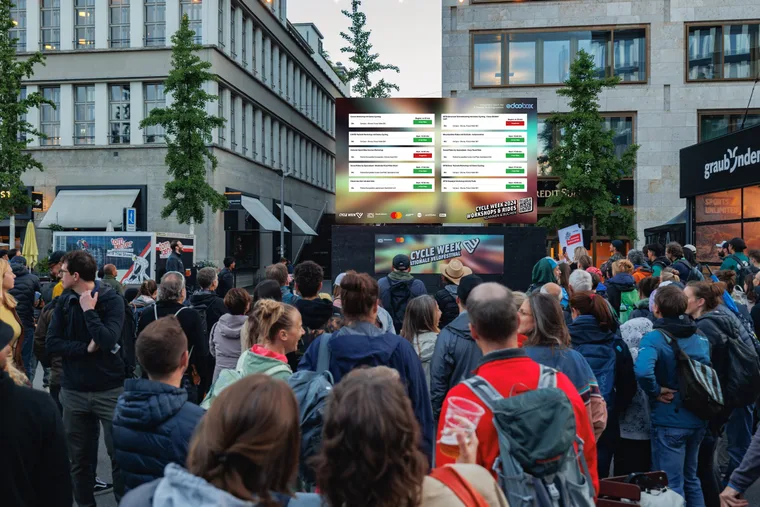
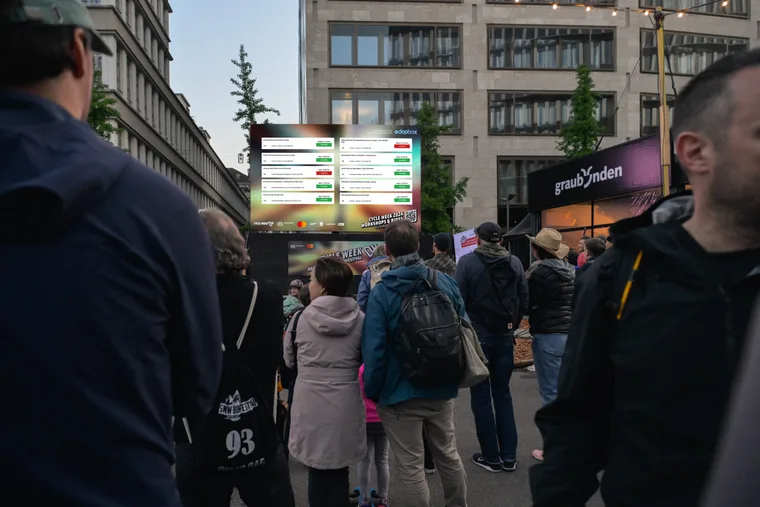
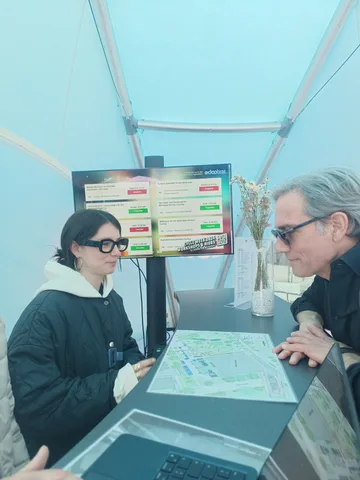
The Big Screen / Info Screen displays current edoobox events on a monitor, information screen or LED wall. Visitors can see directly on site which courses, sessions or programme items are about to start and where they need to go.
The solution is especially suitable for entrances, conferences, training centres, festivals, information desks and locations with several rooms. The design and displayed information are prepared individually for each customer.
Example of an event information screen
Typical uses
Reception and orientation: Display rooms, start times and directions at central points.
Conferences and events: Inform participants about parallel sessions and last-minute changes.
Training centres: Display the daily programme, available places or room assignments for several courses.
Event venues: Use large monitors to highlight bookable offers on site.
What information can be displayed
Depending on the implementation, the Info Screen can display the title, period, room, direction, available places, category, location or additional information. For conferences, the screen can be combined with the Multi-offer / conference module.
Accurate data maintenance in edoobox is essential: offers need meaningful titles, correct dates, rooms or venues and clear statuses. This keeps the display understandable for visitors.
Example: display an event programme on site
At an event with several rooms, the information screen shows upcoming sessions with their start times and rooms. The person responsible checks the display before opening and checks it again after any schedule or room change. This helps visitors find the right session even when plans change at short notice.
Requirements for a successful implementation
Offers, dates and venues in edoobox are maintained accurately.
The intended screen has a stable internet connection and suitable resolution.
The design can be read from a distance: large text, short wording, clear colours and few distractions.
It is defined which offers will be displayed and how far into the future the screen should look.
Implementation and support
The output shown here is an example of an individually configured event display. The standard admin menu has no general Big Screen wizard that automatically creates this example for every account.
Check with edoobox support whether suitable output is configured for your account and which setup, design and services are offered. Prepare the intended location, format and a sample programme. Specific availability and any quotation must be confirmed for your project.
Prepare the requirements for the Info Screen
For setup, note the location, screen resolution and orientation, desired categories or offers, and information that must be readable from a distance. For a sample day, fully enter titles, start and end times, location and room, and check this information in the calendar.
The public Info Screen displays event information. The customer view of the admin calendar, by contrast, contains booking and personal information and requires appropriate admin permissions. Use output specifically intended for a publicly visible monitor.